How to Install 3X-UI VPN on Ubuntu 26.10
3X-UI is a web-based control panel that installs Xray-core (a fork of V2Ray) and allows you to manage VPN/proxy protocols such as VMess, VLESS, Trojan, and Shadowsocks via a browser.
Update Your System
Before installation, update your system packages:
apt update && apt upgrade -y Install Required Dependencies
Install necessary packages:
apt install curl unzip -y Download and Install 3X-UI
Run the official installation script:
bash <(curl -Ls https://raw.githubusercontent.com/mhsanaei/3x-ui/master/install.sh)During installation:
- Choose Y to customize the panel port or N to use a random port.
- If choosing custom, enter your preferred port.
Output:
═══════════════════════════════════════════
     Panel Installation Complete!
═══════════════════════════════════════════
Username:    CYON3exqQc
Password:    OwYTy5dYYT
Port:        11343
WebBasePath: lZhMI6eWo8JgypFVLc
Database:    SQLite (/etc/x-ui/x-ui.db)
Access URL:  https://Your IP:11343/lZhMI6eWo8JgypFVLc
API Token:   HB8aEwUSE6C6Qoh09qj56ts0ndcDwHpxp3zWr8D9fNxjvIuM
═══════════════════════════════════════════
Save the Username, Password, Port, and WebBasePath securely. The values above are examples; use the credentials generated during your installation.
Manage 3X-UI Service
Start and enable the service:
systemctl start x-ui
systemctl enable x-ui
Check status:
systemctl status x-ui Access the Web Interface
Open your browser and visit:
http://your_server_ip:PORT/WebBasePathReplace
your_server_ip,PORT, andWebBasePathwith your actual server IP address, panel port, and generated WebBasePath.
Login to Dashboard
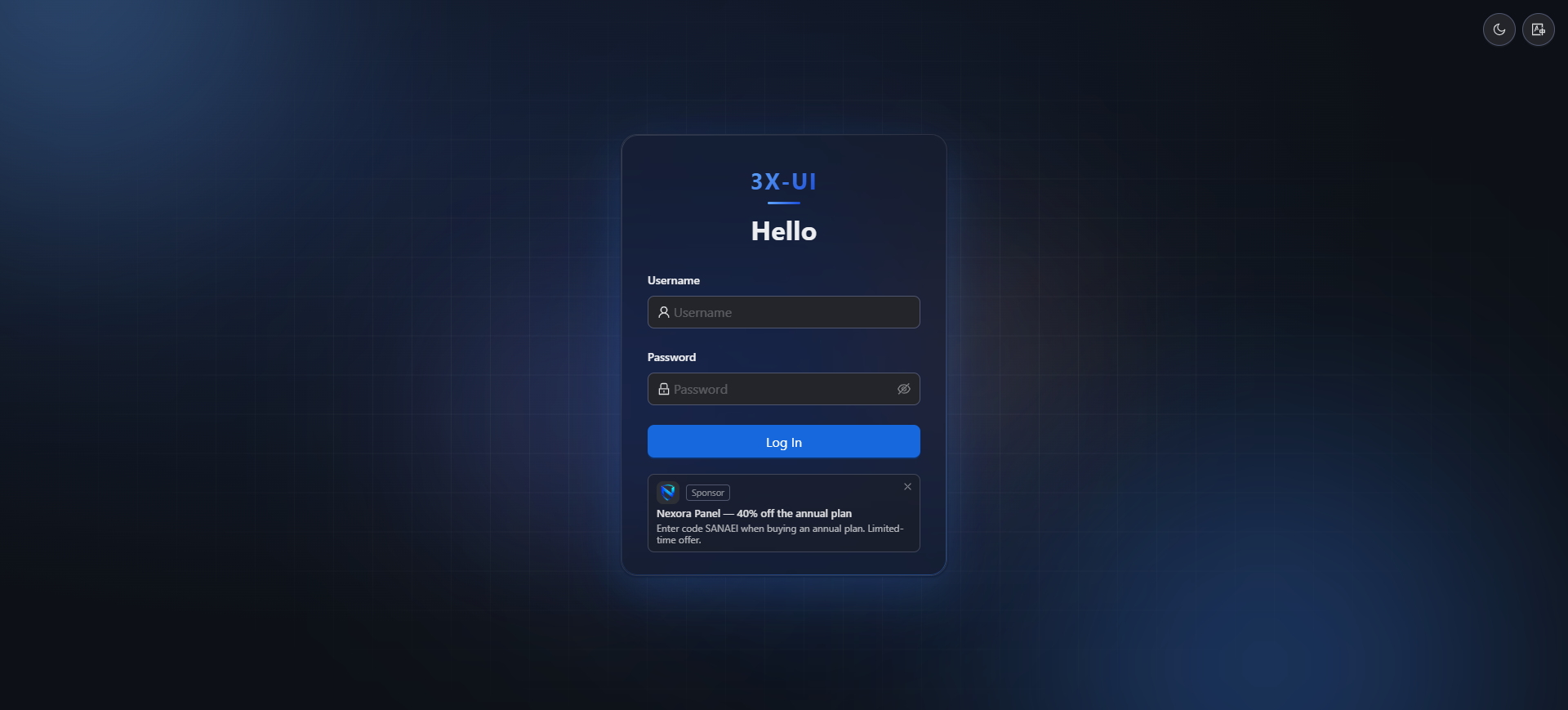
- Enter the generated username and password.
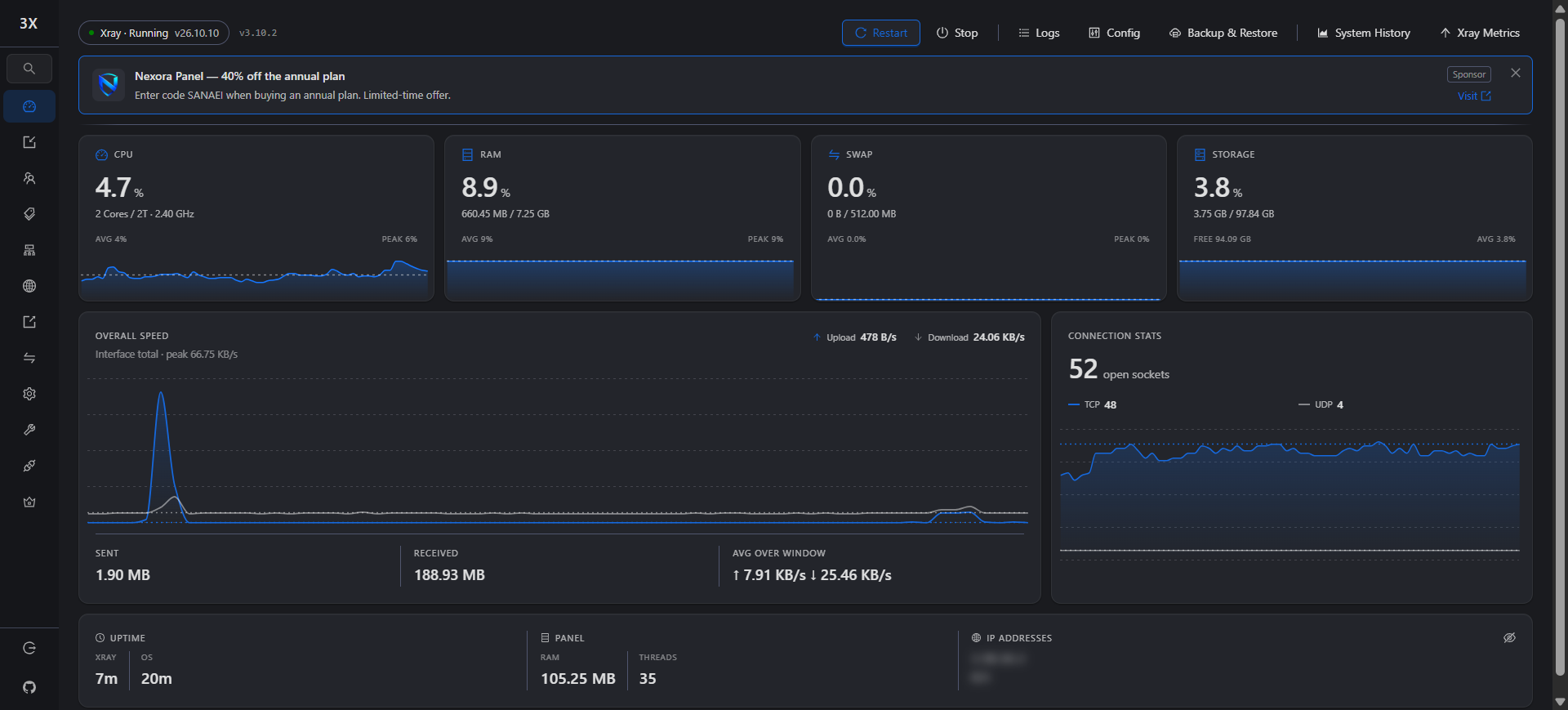
- After login, you will see the 3X-UI dashboard.
IMPORTANT: For security, change the generated credentials immediately after your first login.
Useful Commands
x-ui start
x-ui stop
x-ui restart
x-ui status
x-ui settings
x-ui log
x-ui update
x-ui uninstall
🎉 You have successfully installed and configured 3X-UI VPN on Ubuntu 26.10.
CrownCloud - Get a SSD powered KVM VPS at $4.5/month!
Use the code WELCOME for 10% off!
1 GB RAM / 25 GB SSD / 1 CPU Core / 1 TB Bandwidth per month
Available Locations: LAX | MIA | ATL | FRA | AMS