How to Create a Subdomain from cPanel
Login to your cPanel Account,
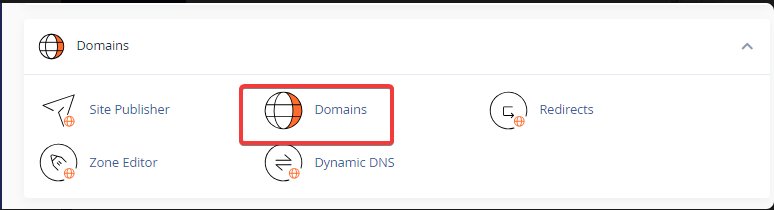
Click Domains under the Domains section.
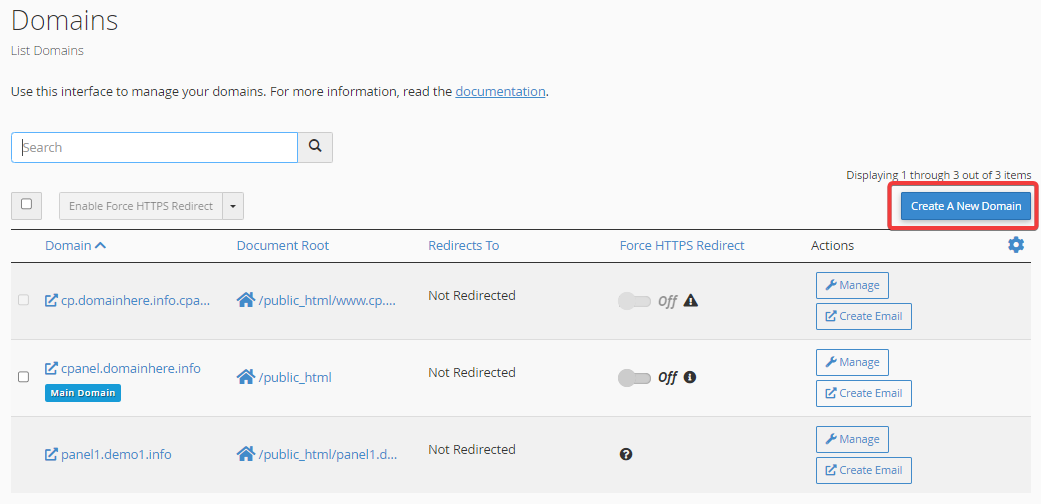
Now, Click the Create A New Domain button.
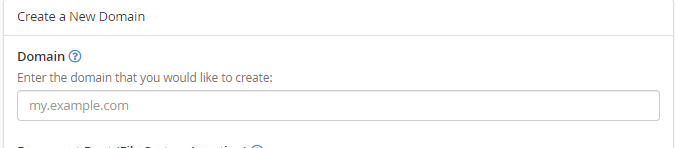
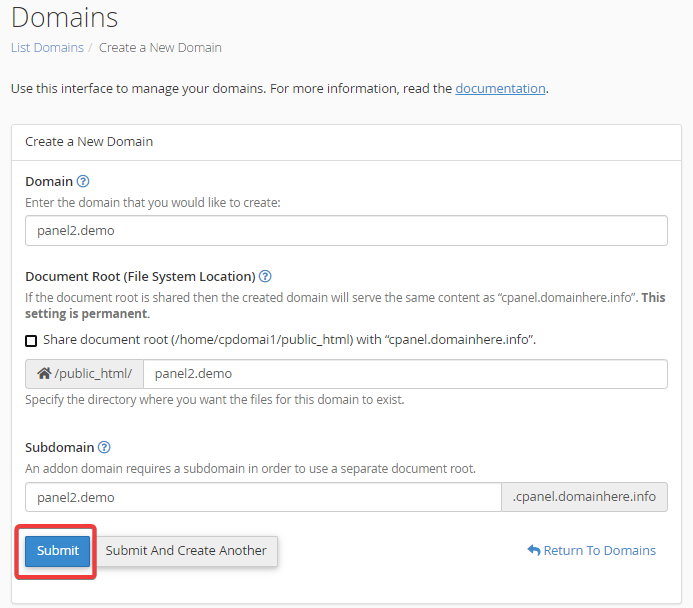
Enter the subdomain name to add in the "Domain" text box.
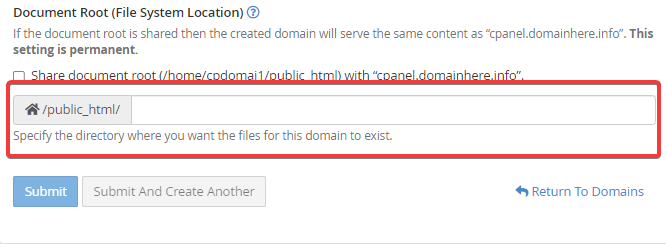
Deselect the "Share document root (/home/username/public_html) with “domain.tld”." option.
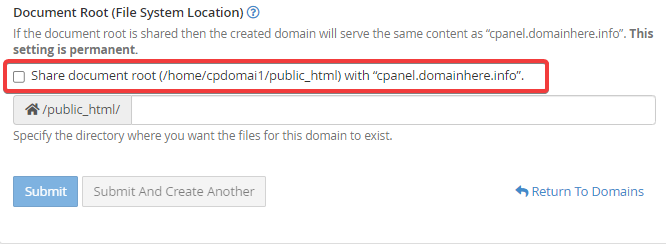
Enter the directory where you want the files for this subdomain to exist.
Click the "Submit" button.
Your sub-domain has been created successfully. You can upload your web content using FTP
CrownCloud - Get a SSD powered KVM VPS at $4.5/month!
Use the code WELCOME for 10% off!
1 GB RAM / 25 GB SSD / 1 CPU Core / 1 TB Bandwidth per month
Available Locations: LAX | MIA | ATL | FRA | AMS