How to set a label on a VPS in CrownPanel
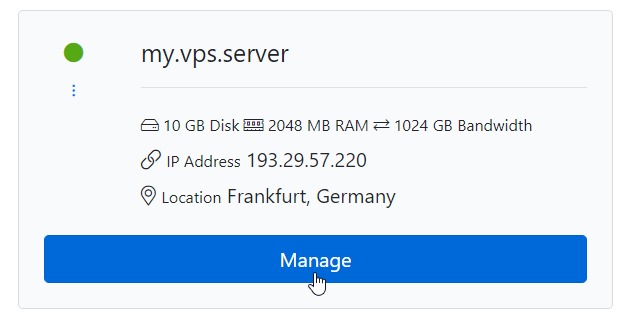
First, Click on the "Manage" button beside the VM you wish to Label
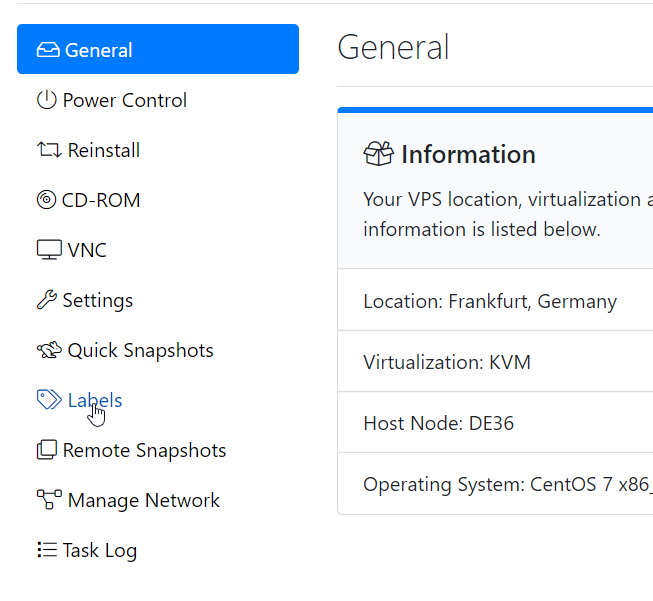
Next, Switch to the "Label" Tab.
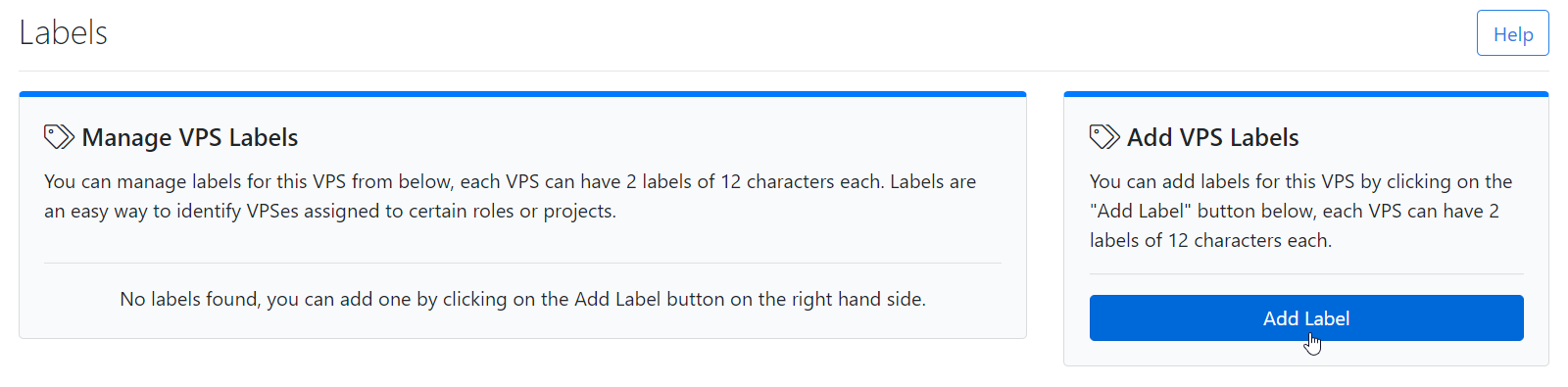
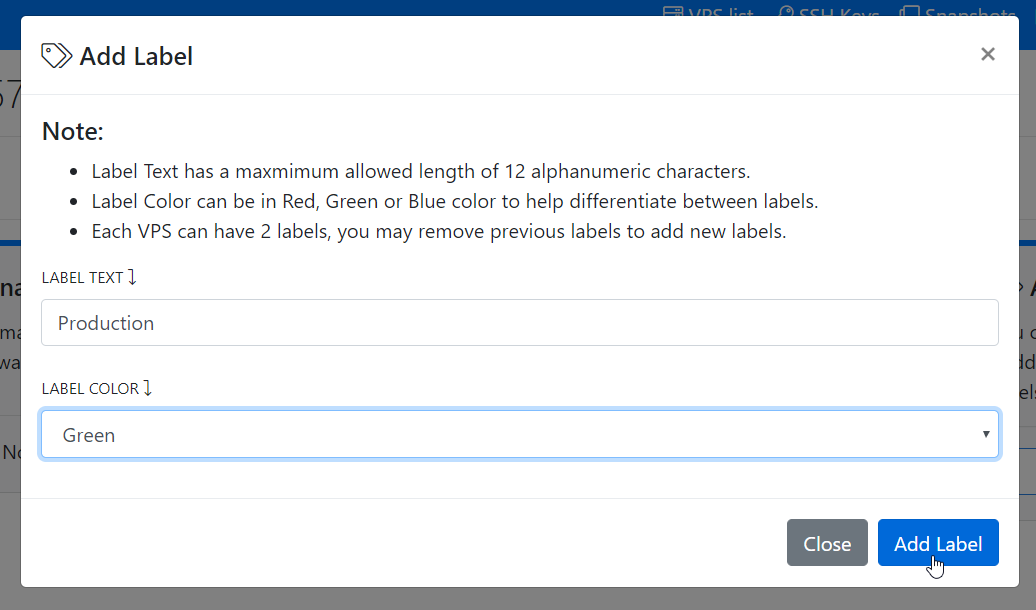
Next, Click on Add Label to add the label to the VPS.
Here, you can fill in the Label Text and select the Colour you wish to use from Red/Green/Blue. Then, Click on Add Label to Confirm.
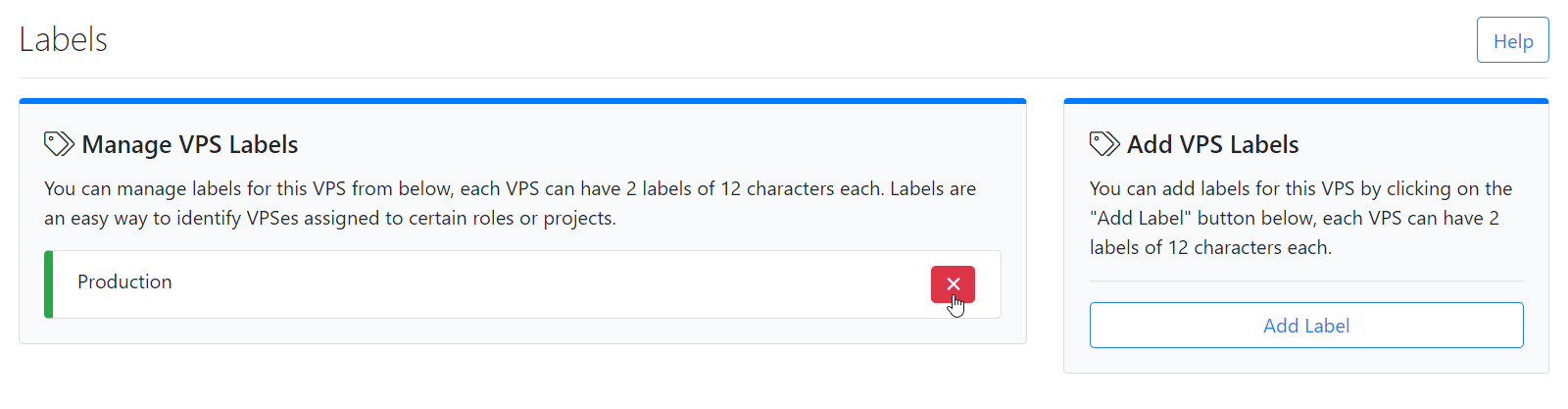
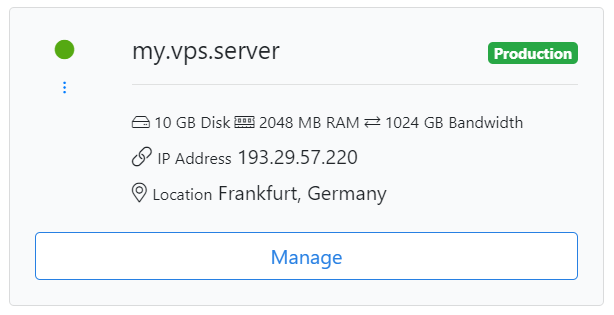
After setting a label on a VPS it will look like this,
Removing a label from a VPS
You can remove Label by clicking the Cross mark as shown in the below screenshot.