Improving RDP Performance on Windows Server
Getting Started
Open the Start Menu and search for gpedit.msc
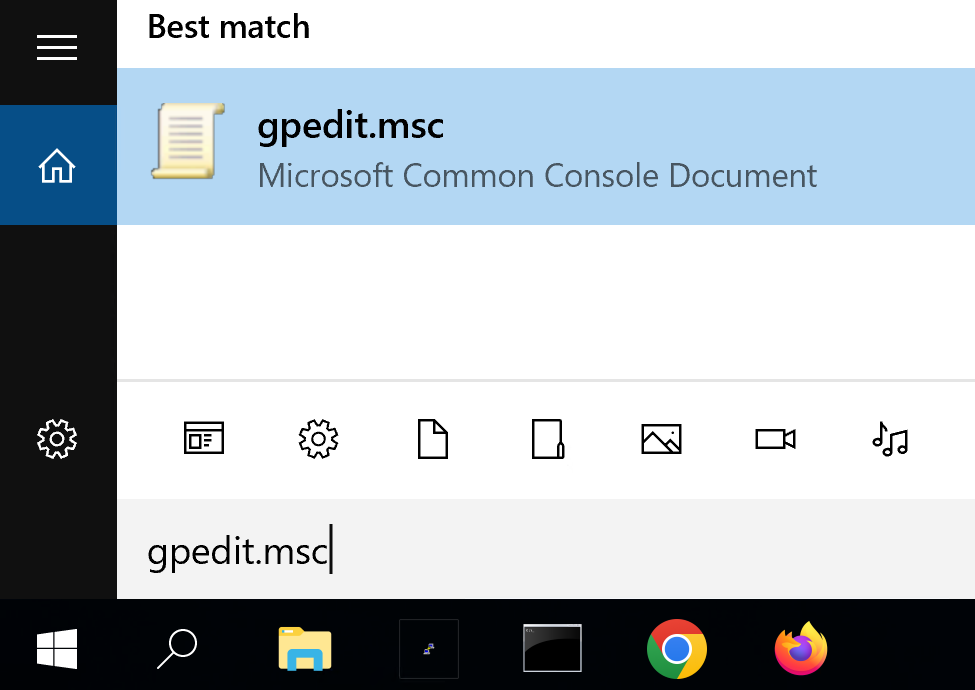
Click / Open on gpedit.msc and it should open the Local Group Policy Editor
Using the Left Hand Side Bar, navigate to the following menu,
- Computer Configuration
- Administrative Templates
- Windows Components
- Remote Desktop Services
- Remote Desktop Session Host -Remote Session Environment
- Remote Desktop Services
- Windows Components
- Administrative Templates
Which should then bring you to the following screen,
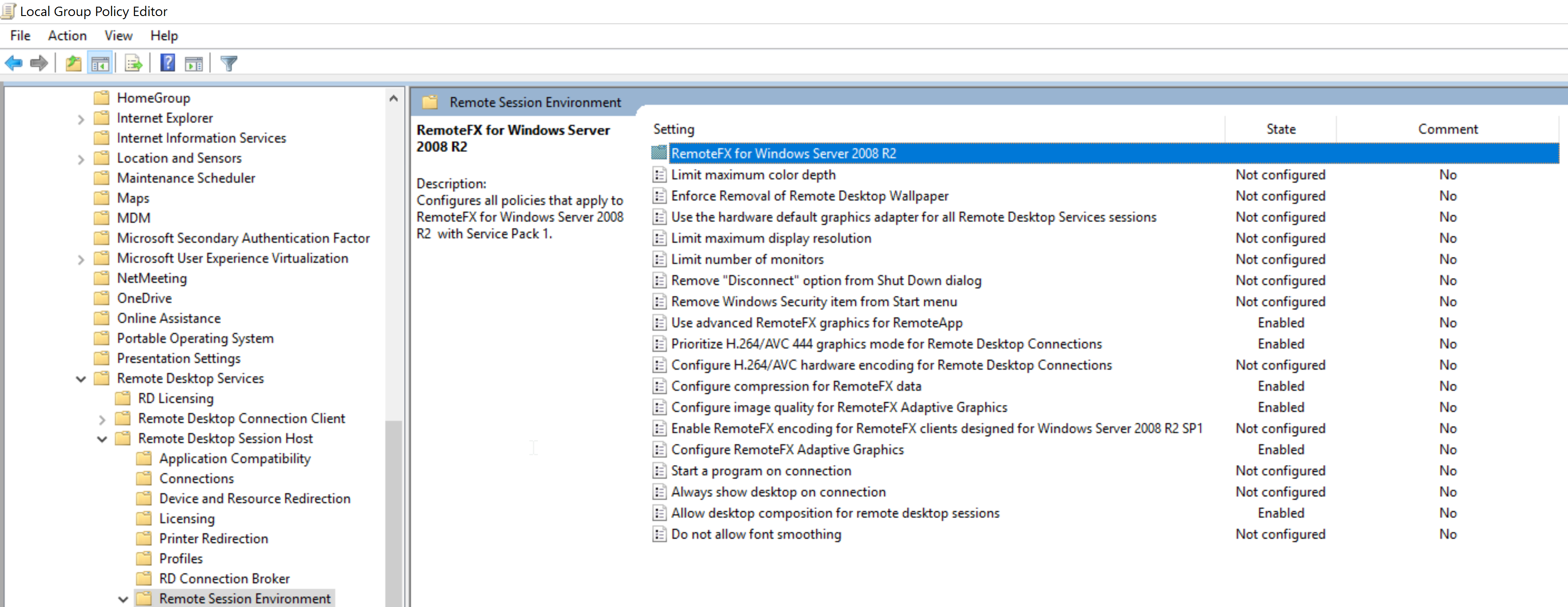
Inside this tab we configure the following
| Setting | Setting State | Value to Configure | Alternate Value to Configure | Notes |
|---|---|---|---|---|
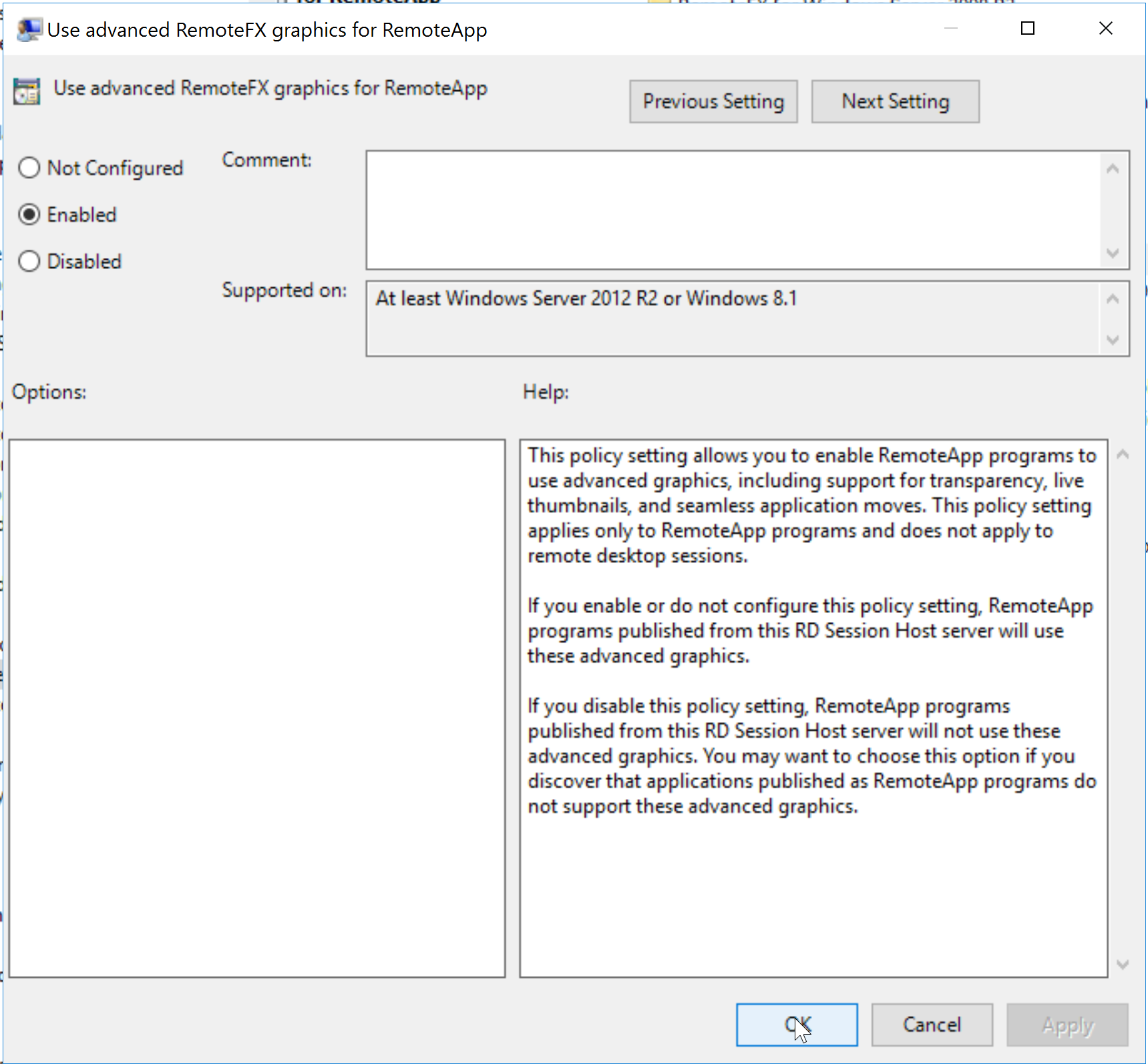
| Use advanced RemoteFX graphics for RemoteApp | Enabled | Just set to Enabled | ||
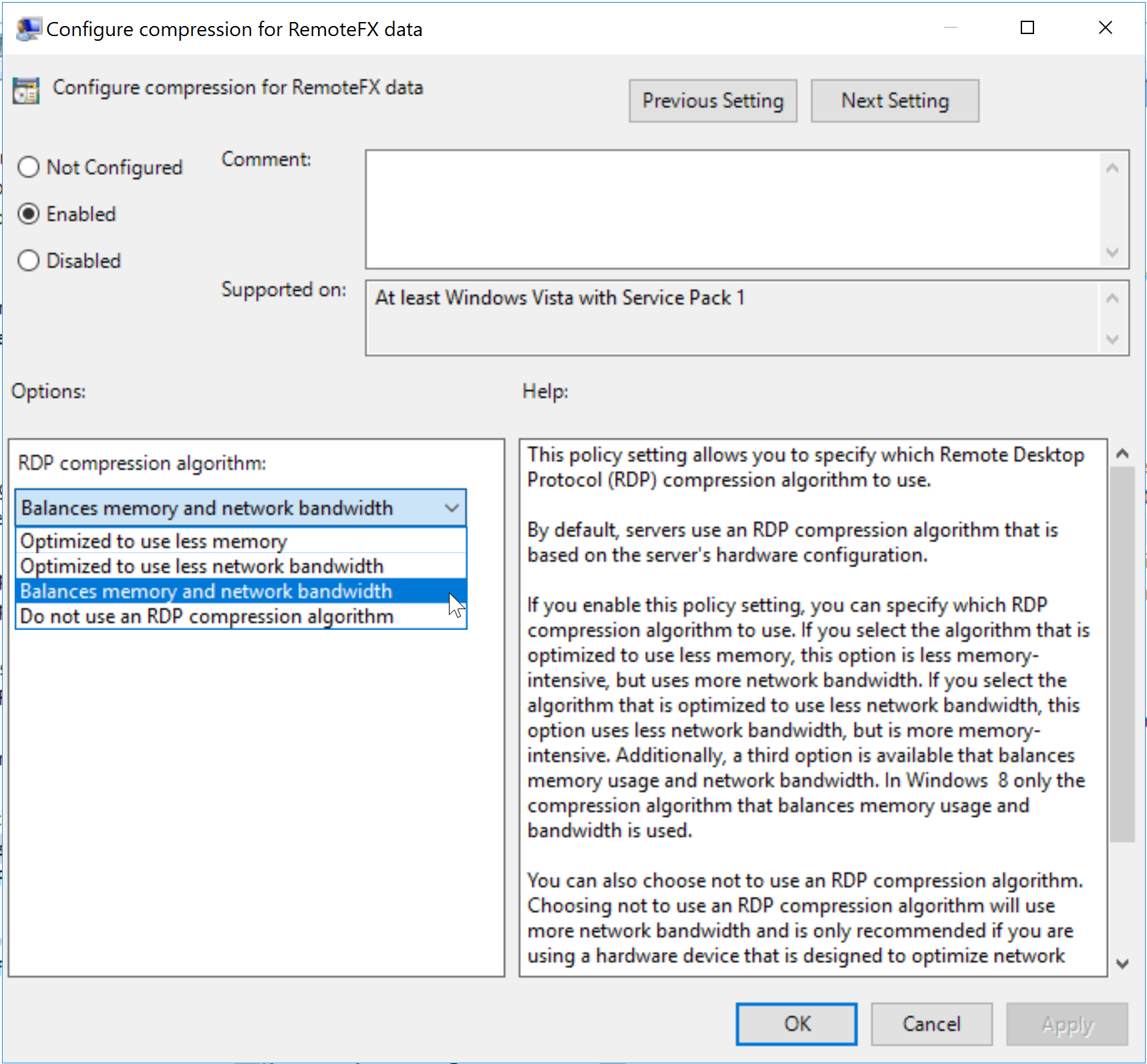
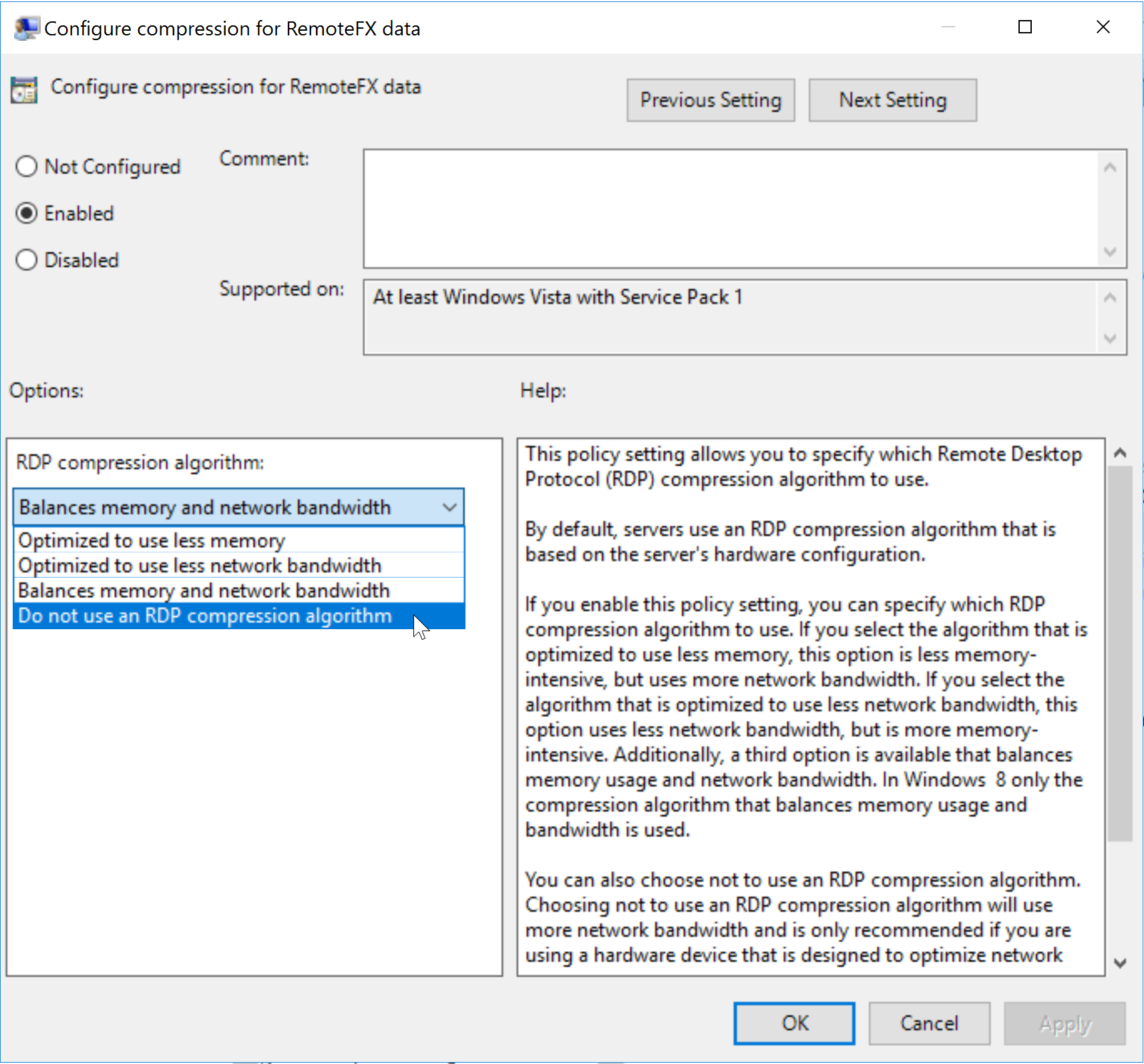
| Configure compression for RemoteFX data | Enabled | Balances Memory and Bandwidth | Do not use an RDP Compression Algorithm | Test both options, use which works best. |
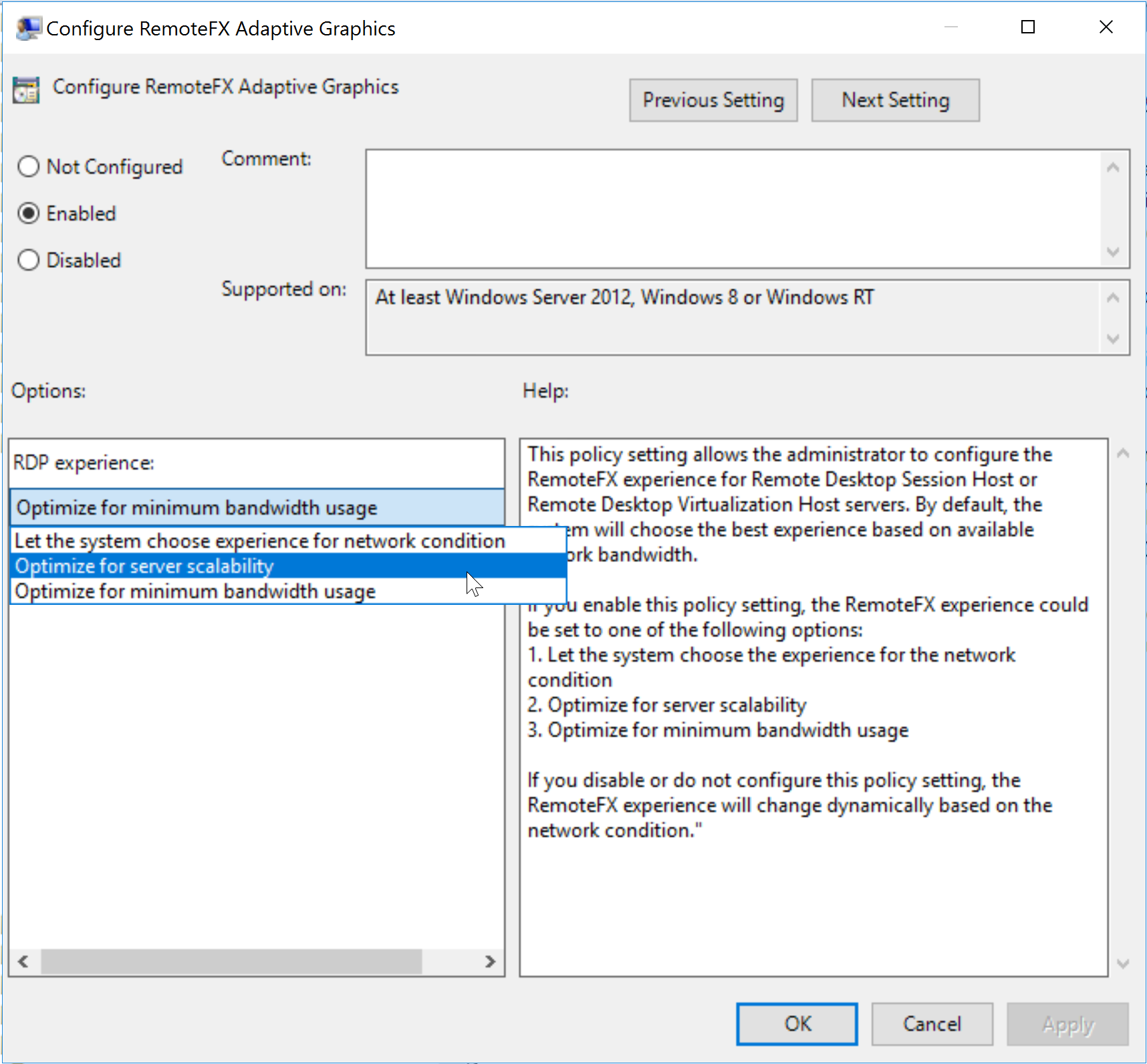
| Configure RemoteFX Adaptive Graphics | Enabled | Optimize for Server Scalability | Optimize for Minimum Bandwidth Usage | Usually Server Scalability option is the best |
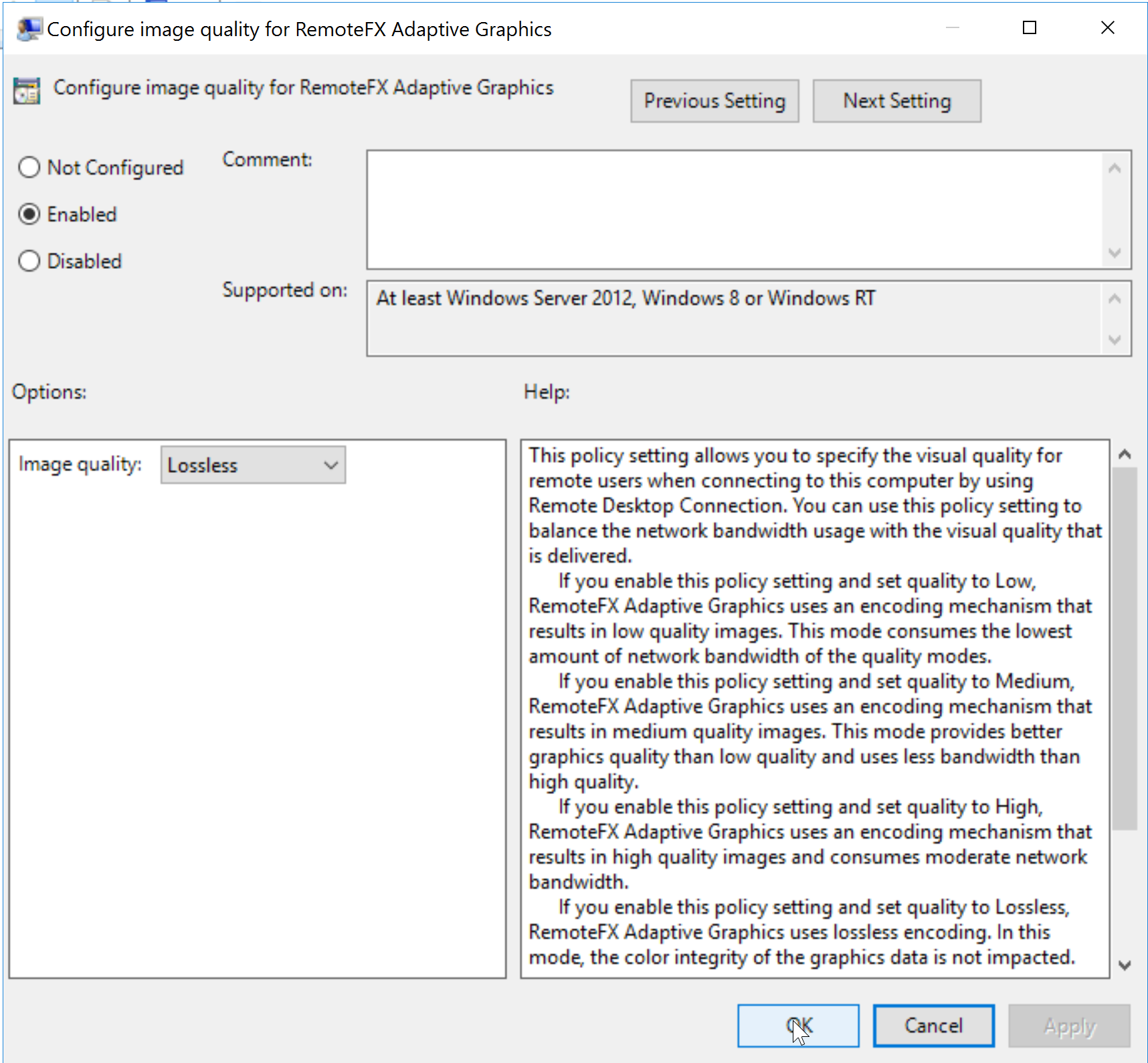
| Configure Image Quality for RemoteFX Adaptive Graphics | Enabled | Loseless | ||
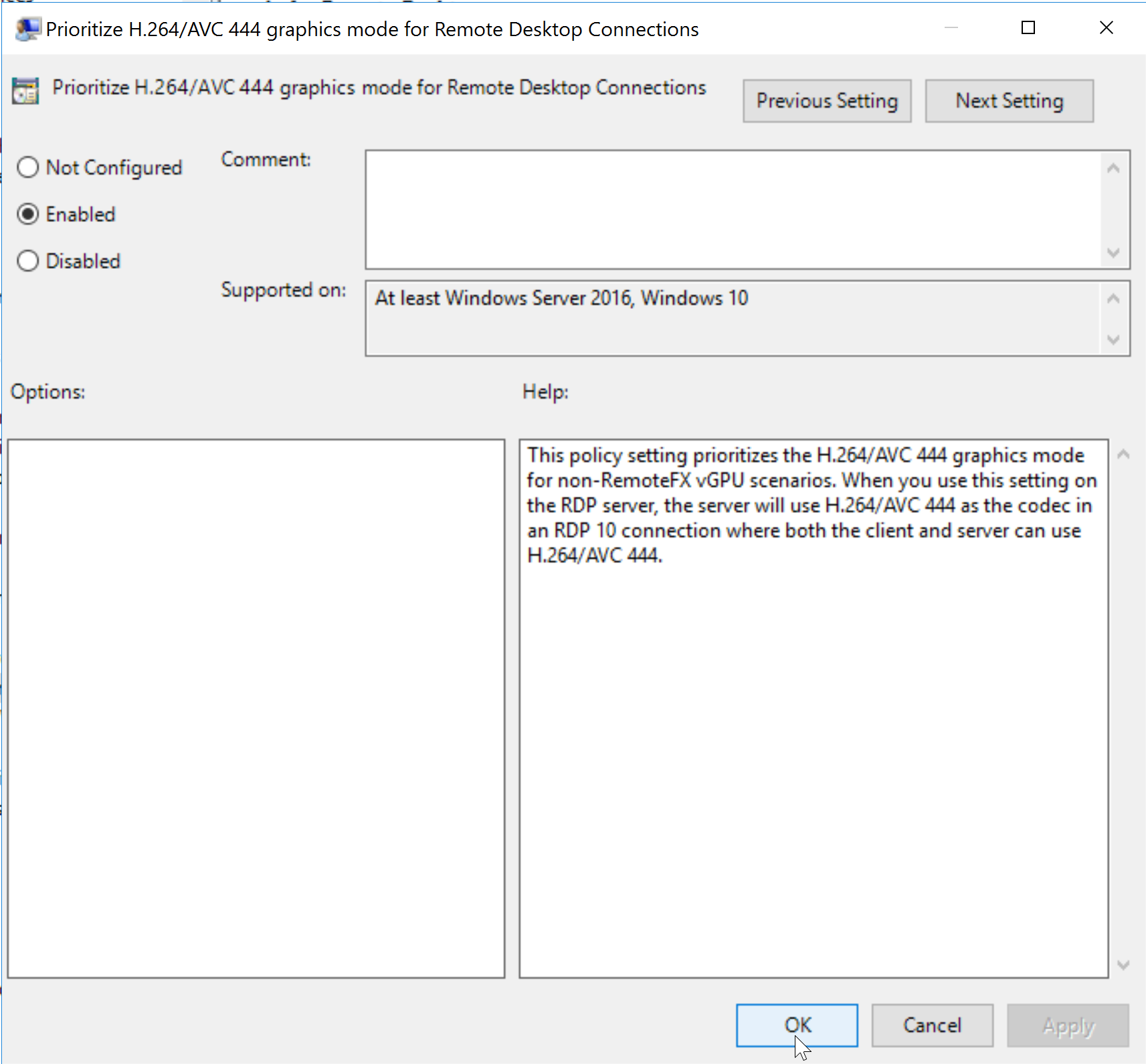
| Prioritize H.264/AVC 444 Graphics Mode for Remote Desktop Connections | Enabled | Just set to Enabled | ||
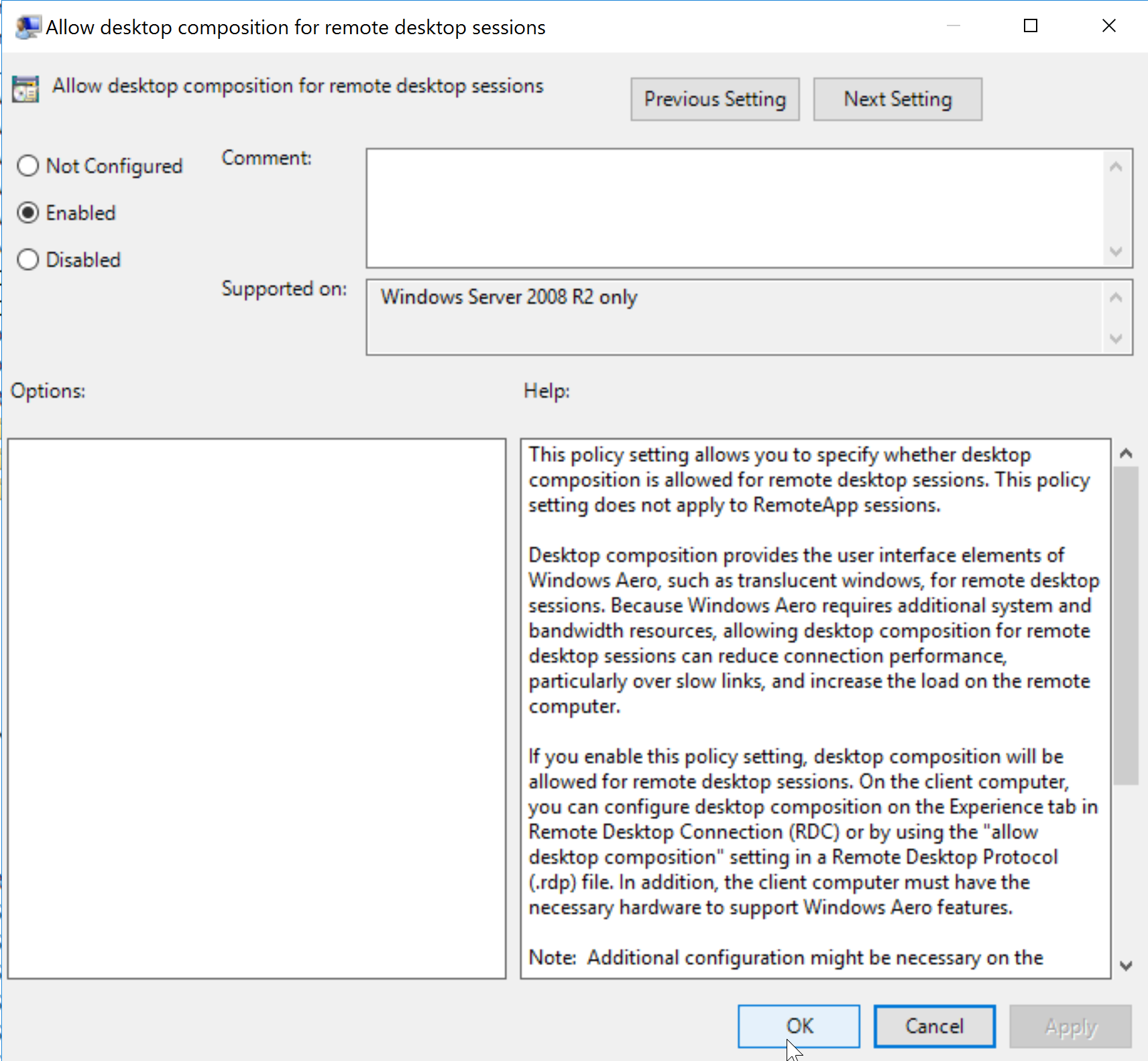
| Allow Desktop Composition for Remote Desktop Sessions | Enabled | Just set to Enabled |
Important Remember to disconnect from the RDP and then re-connect to it for the updated settings to take effect.
Your final Configuration should look like this,
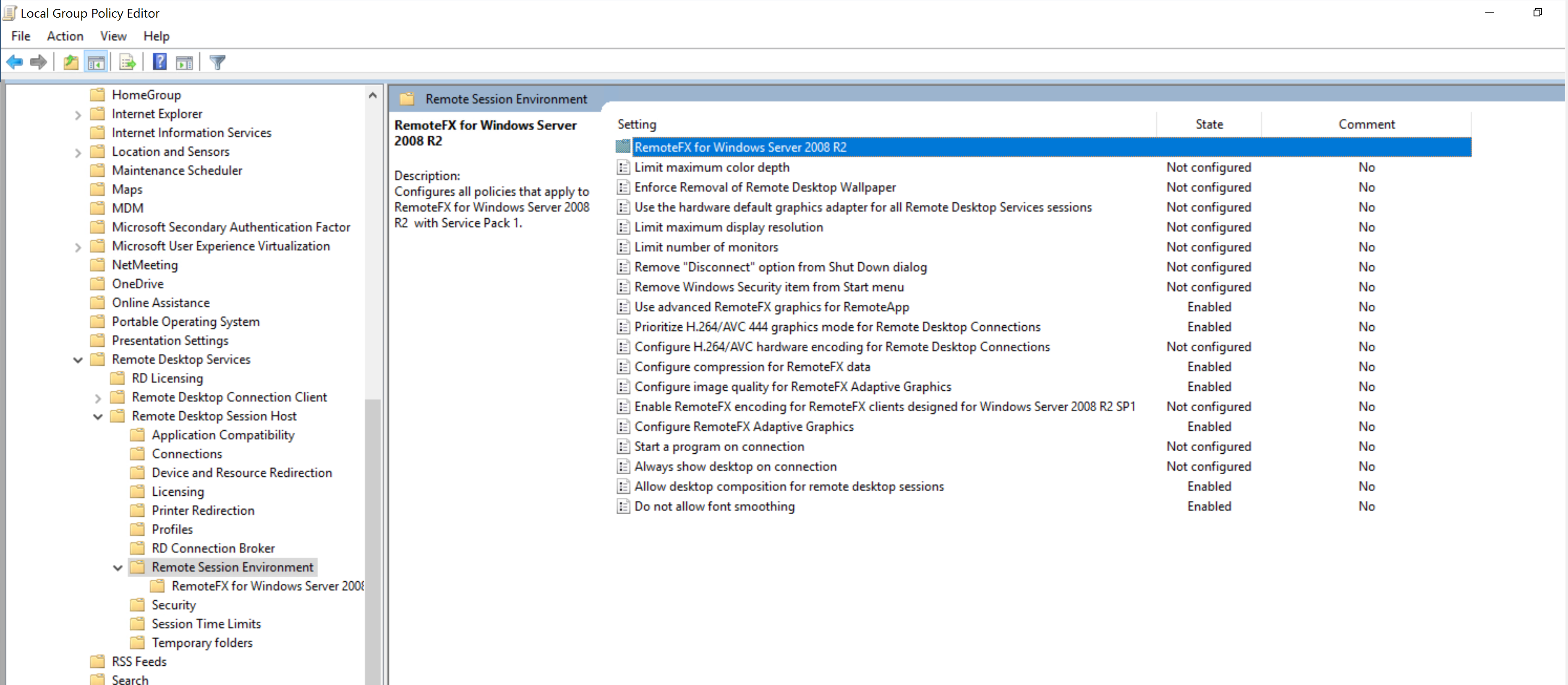
Done!
If you wish to see each setting in a image format, please see below
Use advanced RemoteFX graphics for RemoteApp
Configure compression for RemoteFX data
Configure RemoteFX Adaptive Graphics
Configure Image Quality for RemoteFX Adaptive Graphics
Prioritize H.264/AVC 444 Graphics Mode for Remote Desktop Connections
Allow Desktop Composition for Remote Desktop Sessions