cPanel - Setting up EMail Forwarder
-
Login to your cPanel
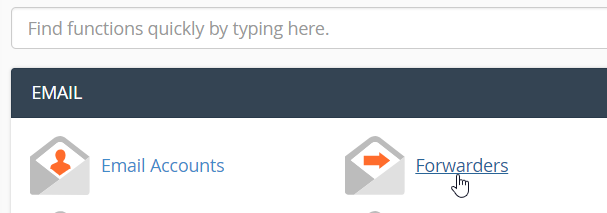
- Once logged in, click on "Forwarders" inside the "EMAIL" panel
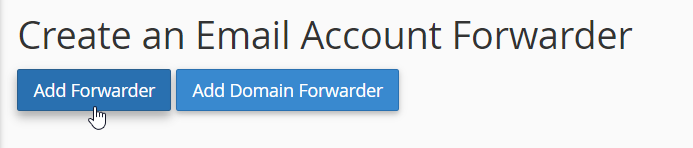
- Next, click on "Add Forwarder" under "Create an Email Account Forwarder"
- Enter the form below and that should do it for you!
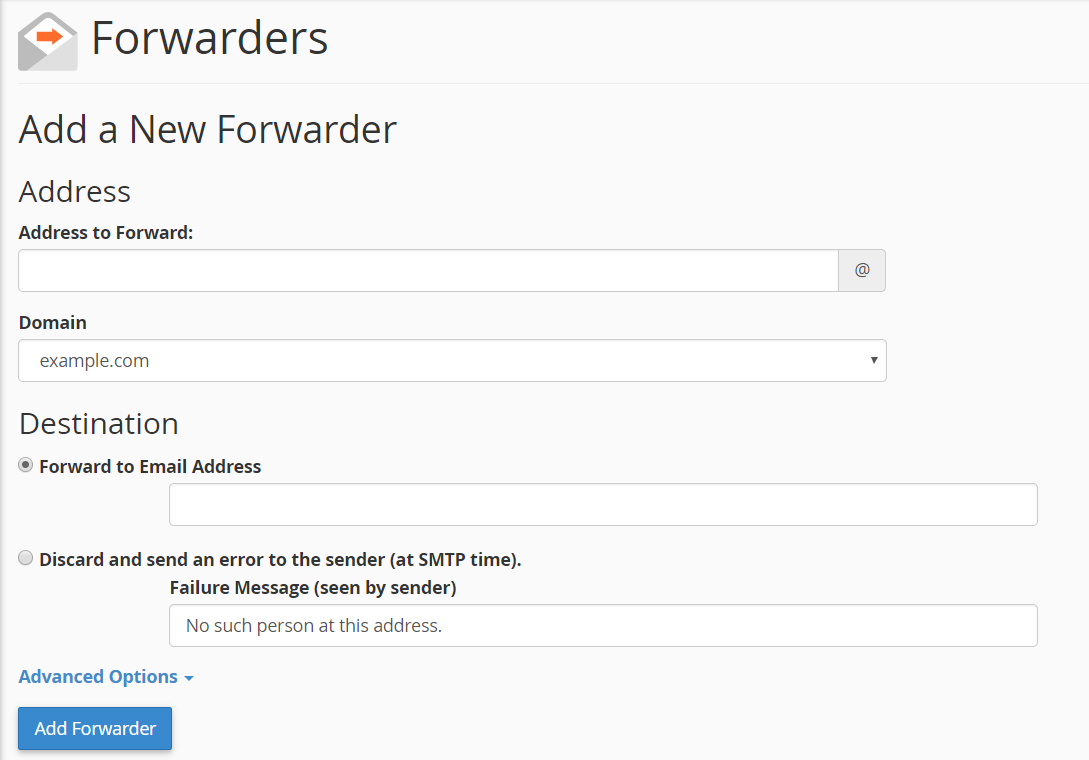
For example,
- Address to Forward: -- admin (if you wish to forward admin@mydomain.com)
- Forward to Email Address: -- Your EMail address which you wish to forward to, for example, example@gmail.com
Click on "Add Forwarder" once done.
CrownCloud - Get a SSD powered KVM VPS at $4.5/month!
Use the code WELCOME for 10% off!
1 GB RAM / 25 GB SSD / 1 CPU Core / 1 TB Bandwidth per month
Available Locations: LAX | MIA | ATL | FRA | AMS