How to Install PhpMyAdmin in Ubuntu 23.10
In this guide, we will demonstrate how PhpMyAdmin is installed on a Ubuntu 23.04 system. PhpMyAdmin requires a standalone Database or as part of the LEMP stack, installed and running on the system beforehand.
Prerequisites:
Server with Nginx, PHP, and MariaDB. You can find our LEMP Installation guide here.
Installing PhpMyAdmin
apt install phpmyadminOutput:
root@ubuntu23:~# apt install phpmyadmin
Reading package lists... Done
Building dependency tree... Done
Reading state information... Done
The following additional packages will be installed:
   apache2 apache2-bin apache2-data apache2-utils dbconfig-common
   dbconfig-mysql default-mysql-client fontconfig-config fonts-noto-core
   fonts-noto-mono icc-profiles-free javascript-common libapache2-mod-php
   libapache2-mod-php8.2 libapr1 libaprutil1 libaprutil1-dbd-sqlite3
   libaprutil1-ldap libdeflate0 libfontconfig1 libgd3 libjbig0 libjpeg-turbo8
   libjpeg8 libjs-codemirror libjs-jquery libjs-jquery-metadata
   libjs-jquery-mousewheel libjs-jquery-tablesorter libjs-jquery-timepicker
   libjs-jquery-ui libjs-sphinxdoc libjs-underscore liblerc4 liblua5.4-0
   libmcrypt4 libtiff6 libwebp7 libxpm4 libzip4 mysql-client-8.0
   mysql-client-core-8.0 mysql-common php-bz2 php-cli php-common
   php-composer-ca-bundle php-curl php-fig-http-message-util php-gd
   php-getallheaders php-google-recaptcha php-mariadb-mysql-kbs php-mbstring
   php-mcrypt php-mysql php-nikic-fast-route php-phpmyadmin-motranslator
   php-phpmyadmin-shapefile php-phpmyadmin-sql-parser php-psr-cache
   php-psr-container php-psr-http-factory php-psr-http-message php-psr-log
   php-slim-psr7 php-symfony-cache php-symfony-cache-contracts
   php-symfony-config php-symfony-dependency-injection
   php-symfony-deprecation-contracts php-symfony-expression-language
   php-symfony-filesystem php-symfony-polyfill-php80
   php-symfony-service-contracts php-symfony-var-exporter php-tcpdf php-twig
   php-twig-i18n-extension php-webmozart-assert php-xml php-zip php8.2-bz2
   php8.2-cli php8.2-common php8.2-curl php8.2-gd php8.2-mbstring php8.2-mcrypt
   php8.2-mysql php8.2-opcache php8.2-readline php8.2-xml php8.2-zip ssl-cert
Create Symbolic Link
Create a symbolic link from the installation files to Nginx's document root directory.
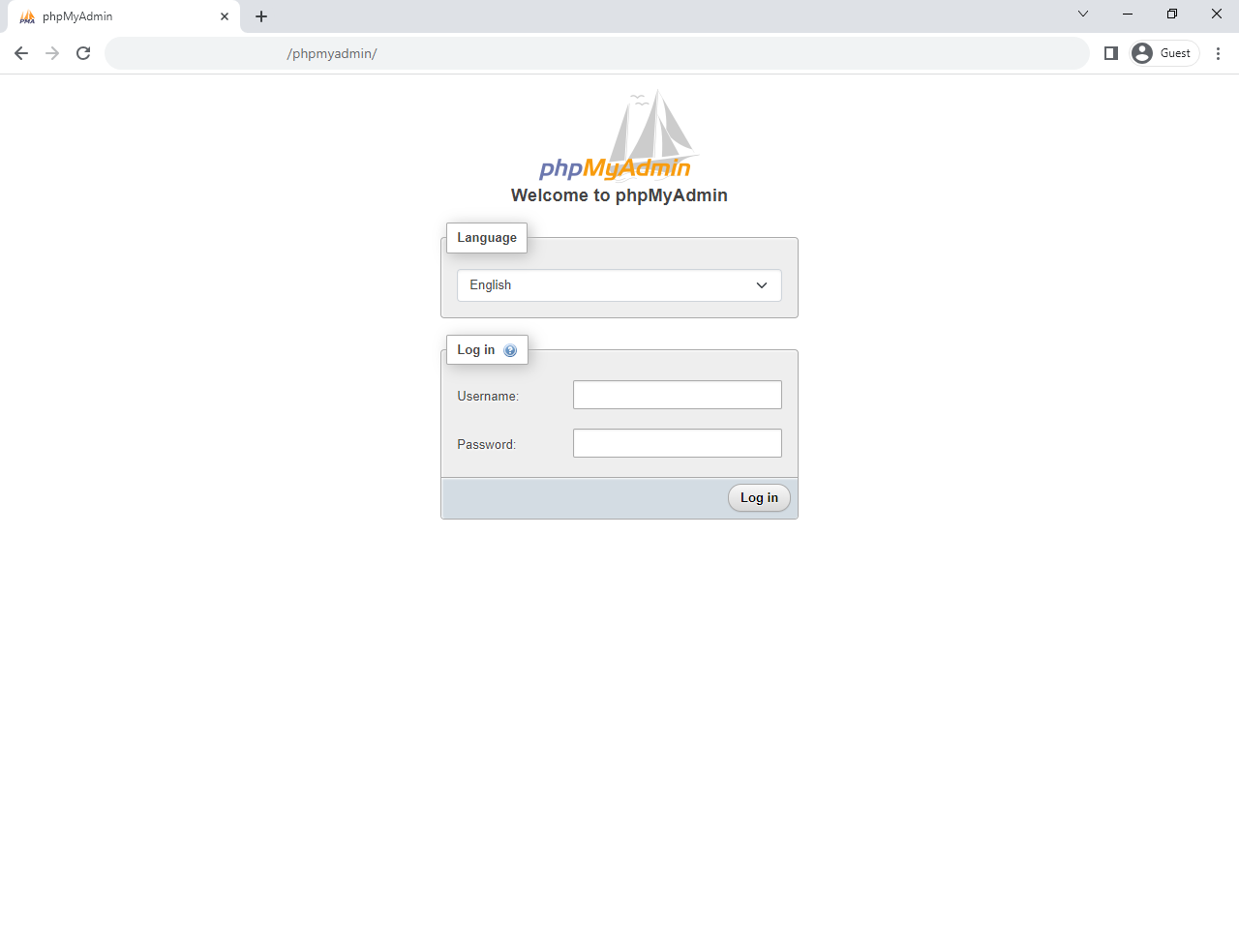
sudo ln -s /usr/share/phpmyadmin /var/www/html/phpmyadminEnter it into your browser's address bar to check that phpmyadmin is installed. http://yourserver-ip-address/phpmyadmin/. You should see a page similar to the below one.
Done!
CrownCloud - Get a SSD powered KVM VPS at $4.5/month!
Use the code WELCOME for 10% off!
1 GB RAM / 25 GB SSD / 1 CPU Core / 1 TB Bandwidth per month
Available Locations: LAX | MIA | ATL | FRA | AMS